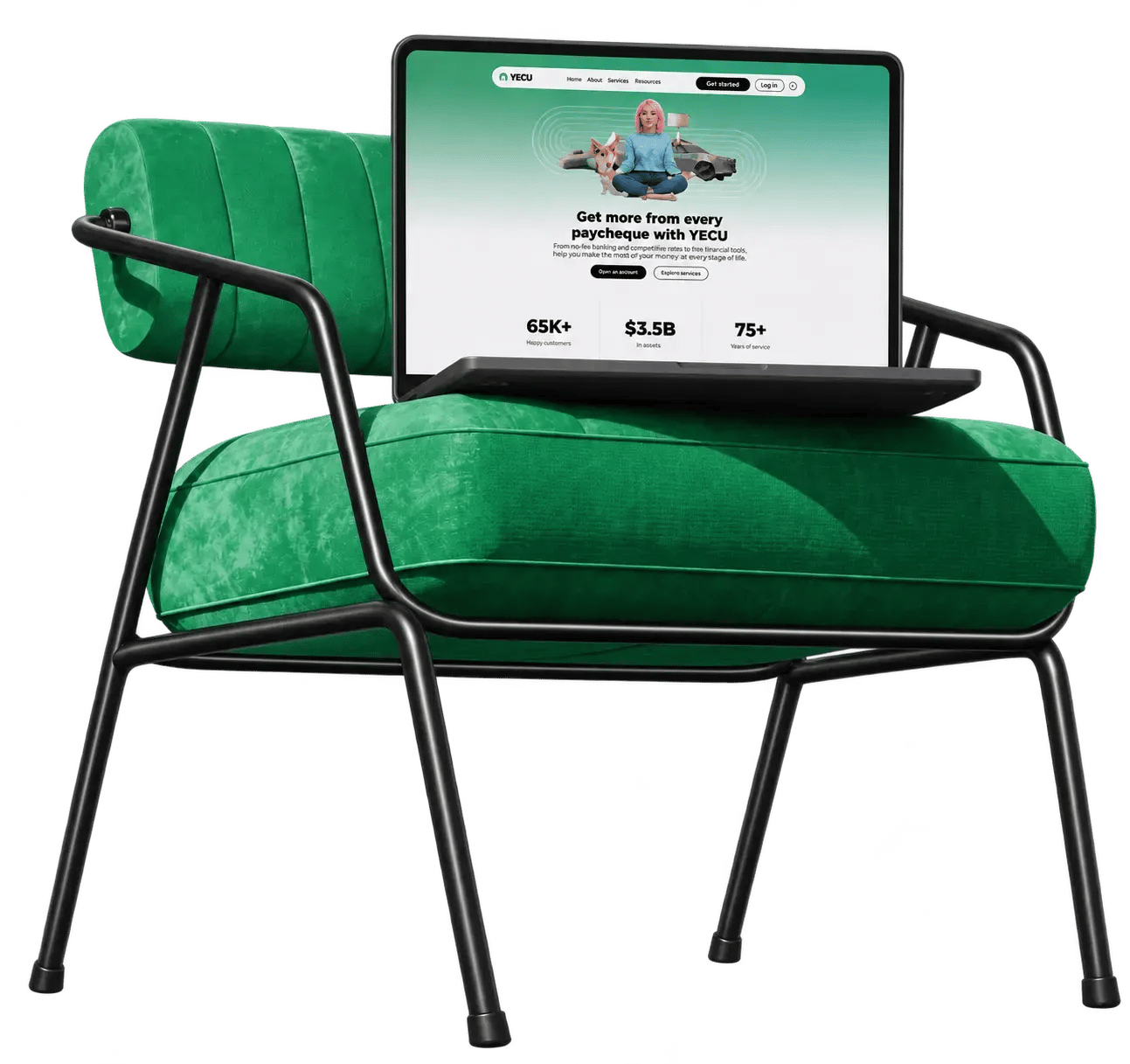
Welcome to YNCU
Banking system integration is complete. Legacy Comtech Fire Credit Union members can now access YNCU’s online banking, use the YNCU Banking app, and complete their banking at any YNCU branch. Use the information below to get started.

How to access your new digital banking for the first time
Have your member number and sign-in instructions handy. You’ll create a new username and password in a few simple steps.
Open online banking
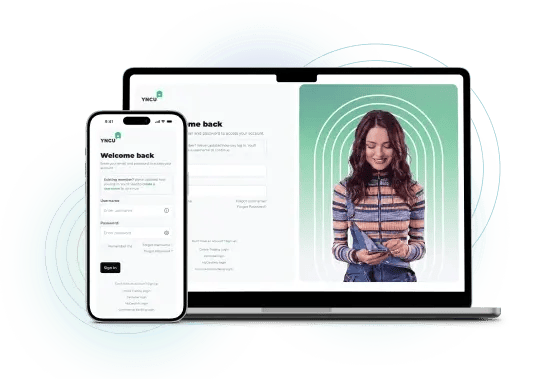
Visit yncu.com > Log in > Online Banking and select “Create your username.”
Enter your member number and one-time PAC
Use your existing CFCU member number and your one-time PAC in the Password field. Your old CFCU password won’t carry over.
Enter your verification code
We’ll send a code to the email address or mobile phone number on your profile. Enter it to continue.
Create your new login details
Follow the prompts to choose your new username and password for future access.
Having trouble?
For your security, the one-time PAC/password instructions are not published online. If you did not receive or can no longer locate your mailed integration package, visit any YNCU branch or call the Service Excellence Centre at 1-888-413-YNCU (9628) for assistance.

Set Up Interac e-Transfer®
Your saved e-Transfer recipients, e-Transfer history, and Autodeposit registrations did not move to YNCU’s digital banking platform. After completing your first login, you can recreate the saved recipients you wish to continue using and register for Autodeposit again. If an e-Transfer still displays Comtech Fire Credit Union, select Your Neighbourhood Credit Union from the financial institution list.
What carried over automatically
-
Saved bill payees and scheduled bill payments carried over automatically.
-
Existing direct deposits continue without interruption. You do not need to provide updated banking information to your employer or other organizations that deposit funds into your account.
-
The Corporation Tax (RC159/RC160) payee and payments associated with it did not transfer. Business members who used this payee should review the Corporation Tax information in the FAQs below.
Your Products and Accounts
Your accounts and financial products transitioned automatically to comparable YNCU products. Because products and individual account arrangements vary, some features or fees may have changed. If a new product does not meet your needs, please contact us. Our team will be happy to review your account and available options.
Your Debit Card
Cards beginning with 5047211 will continue to work. Existing transaction limits have carried over to YNCU’s banking system. Cards beginning with 5047210 no longer work. If you have not received or activated your replacement card, please visit a YNCU branch or call 1-888-413-YNCU (9628). CFCU cards will be replaced with YNCU Visa Debit cards in 2027. To access Visa Debit, Lock ’n’ Block, and mobile wallet capabilities sooner, you can replace your card at any YNCU branch.
Bank at Any YNCU Branch
Legacy CFCU members can now complete their banking across YNCU’s network of 21 branches throughout Ontario. Find a branch

Business members and signers
Business members: Use your current CFCU business member number.
Business signers: Keep your organization member number and update the signer ending: 001 becomes P1, 002 becomes P2, 003 becomes P3. Enter the full login ID with no spaces. Refer to your signer guide for your PAC instructions.
You can access business banking from either the Personal or Business section of yncu.com.
Setting up a business delegate
Once you’re logged in, you can add a delegate to help with your business banking. Follow the steps below to get them set up. If you need a hand, contact your Portfolio Manager or call 1-866-942-2328.
Read the full step-by-step guide here.
Add your delegate
Once signed in, go to Services > Manage Delegates > Add New Delegate. Enter their name, role (Initiator or Read Only), email and your mobile number. Check the confirmation box and select Continue.
Confirm your delegate
Review their information and select Confirm. Use the 6-digit security code sent to your email or mobile number to verify the addition. Once complete, their username will appear on the confirmation page.
Help them sign in
Your delegate will receive their case-sensitive username by email or text, followed by a temporary password within 15 minutes. The password expires after 24 hours. They'll sign in and create their own password.

Need a hand? We're here.
Visit us at any YNCU branch or call the Service Excellence Centre at 1-888-413-YNCU (9628) for assistance.
Don't forget to download the new YNCU app
Download from the Apple App Store
Download from the Google Play Store
Need help?
Commonly asked questions
Visit yncu.com and select the online banking login, or download the YNCU Banking app. Your member number has not changed, but your previous CFCU Personal Access Code will not work on YNCU’s digital banking platform. Use your member number and the one-time PAC/password instructions included in your mailed integration quick guide to begin the first-login process. You’ll then enter the verification code sent to the primary email address or mobile phone number associated with your membership and create a new username and password. You’ll use your new username and password for future access to YNCU’s online and mobile banking.
Download the YNCU Banking app using the links below:
Download from the Apple App Store
Download from the Google Play Store
The former CFCU mobile banking app will no longer work.
For your security, the one-time PAC/password instructions are not published online or provided by email. Visit any YNCU branch or call the Service Excellence Centre at 1-888-413-YNCU (9628) for assistance with your one-time PAC/password and first login.
During your first login, a one-time verification code will be sent to the primary email address or mobile phone number associated with your membership. If you cannot access the contact information we have on file, visit any YNCU branch or call 1-888-413-YNCU (9628) for assistance.
Yes. Complete the first-login process using your member number, one-time PAC/password, and verification code. Once you have created your new username and password, you can enable biometric access on a supported device.
Saved e-Transfer recipients, e-Transfer history, pending transfers, Requests for Money, and Autodeposit registrations did not move to YNCU’s digital banking platform. After completing your first login, you can recreate the saved recipients you wish to continue using and register for Autodeposit again.
Pending e-Transfers that were not accepted before integration were cancelled, and the funds were returned to your account. You can create and send a new e-Transfer through YNCU’s digital banking platform after completing your first login.
If an e-Transfer still displays the Comtech Fire Credit Union name, select Your Neighbourhood Credit Union from the financial institution list to deposit it.
Saved bill payees and scheduled bill payments transferred automatically to YNCU’s digital banking platform. The Corporation Tax (RC159/RC160) payee and any future-dated or recurring payments associated with it did not transfer. Business members who used this payee should review the Corporation Tax information below.
No. Existing direct deposits continue without interruption. You do not need to provide updated banking information to your employer or other organizations that deposit funds into your account.
Even more
Commonly asked questions
Check the first seven digits of your card: Cards beginning with 5047211 will continue to work. Your existing transaction limits have carried over to YNCU’s banking system. Cards beginning with 5047210 no longer work. A replacement card was mailed to you. If you have not received or activated your replacement card, visit any YNCU branch or call 1-888-413-YNCU (9628).
Remaining CFCU debit cards are scheduled to be replaced with YNCU Visa Debit cards in 2027. If you would like to access Visa Debit, Lock ’n’ Block security controls, or mobile wallet capabilities, including Apple Pay, sooner, you can replace your card at any YNCU branch.
Yes. Legacy CFCU members can now complete their banking across YNCU’s network of 21 branches throughout Ontario. Use the Find a Branch tool at yncu.com to locate your nearest branch and view current hours.
Your accounts and financial products transitioned automatically to comparable YNCU products. Because products and individual account arrangements vary, some features or fees may have changed. If a new product does not meet your needs, contact us. Our team will be happy to review your account and available options.
No. Me-to-Me transfers are not available on YNCU’s digital banking platform. Interac e-Transfer® may be used for many transfers.
Business banking arrangements vary. Follow the first-login instructions provided directly to your business. Some business users can complete the standard first-login process using the instructions in their integration package. Others require a manual reset before they can access their business banking. If you cannot complete your first login, call the Service Excellence Centre at 1-888-413-YNCU (9628) for assistance.
No. Existing business banking delegates did not transfer automatically. After completing your first login, set up your delegates again on YNCU’s digital banking platform.
Future-dated and scheduled business payments that were fully approved before integration transferred to YNCU’s digital banking platform, except for payments associated with the Corporation Tax payee. Payments that were still awaiting approval did not transfer and must be recreated.
The previous Corporation Tax (RC159/RC160) payee did not transfer to YNCU’s digital banking platform. Add the CRA GST/HST payee that matches the payment you need to make: • CRA GST/HST – Payment on Filing (RC158) • CRA GST/HST – Amount Owing (RC159) • CRA GST/HST – Interim (RC160) When adding the new payee, enter your Business Number. Future-dated or recurring payments previously associated with the Corporation Tax payee did not transfer and must be recreated using the appropriate new payee. Your previous CRA payment history remains available.
Visit any YNCU branch or call the Service Excellence Centre at 1-888-413-YNCU (9628).